


Étape 1
Étape 2
Installer l'application
Étape 3
S'inscrire
Pourquoi utiliser un VPN sans lag pour le gaming
Windscribe coupe les embouteillages internet et envoie tes données sur la voie rapide, pour que tu ne sois pas à la traîne pendant que tout le monde file devant.
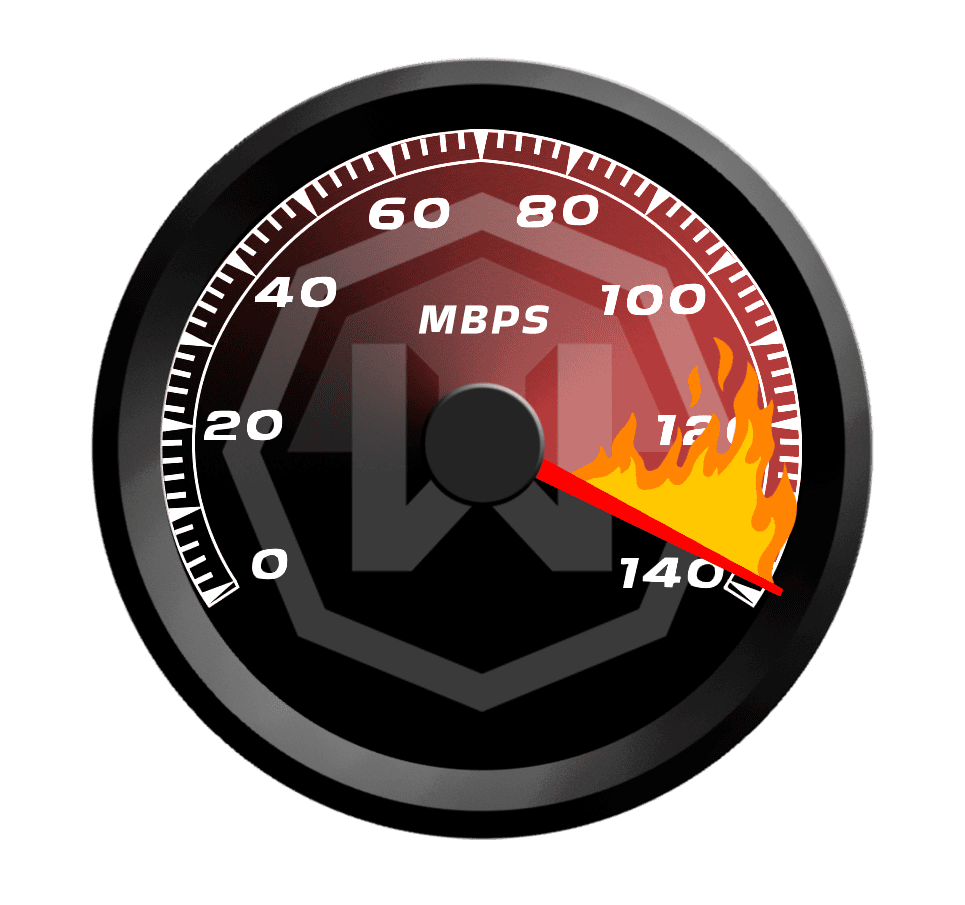
Les serveurs à faible latence de Windscribe éliminent les intermédiaires, offrant un gameplay rapide et réactif avec un minimum de lag. Parfait pour le jeu compétitif !

Les FAI adorent ralentir le trafic de jeu aux heures de pointe. Windscribe masque ton trafic pour prévenir la limitation et maintenir des vitesses élevées.

Windscribe améliore le routage des données, réduisant la perte de paquets et assurant des connexions plus stables pendant les matchs rapides.

Avec le réseau mondial de serveurs de Windscribe, tu peux te connecter à des serveurs optimisés géographiquement pour le meilleur ping possible et réduire le lag.

Écrase tes adversaires avec un VPN sans lag

Windscribe sécurise ta connexion avec un chiffrement AES-256, protégeant tes données des regards indiscrets.

Avec des serveurs dans 135+ villes, Windscribe te permet de trouver le meilleur pour une connexion stable et rapide.

Que tu joues sur PC, console ou mobile, Windscribe garde ta connexion protégée.




Approuvé et apprécié par plus de 100 millions d’utilisateurs
Fonctionnalités

6 protocoles de chiffrement
La couverture serveur la plus large
Le plus grand nombre de serveurs 10 Gbps
Bloqueur de pubs leader du secteur
Confidentialité : audité et prouvé en justice
Fonctionnalités

Autres VPN
6 protocoles de chiffrement
La couverture serveur la plus large
Le plus grand nombre de serveurs 10 Gbps
Bloqueur de pubs leader du secteur
Confidentialité : audité et prouvé en justice


Foire aux questions
Un VPN sans lag fonctionne-t-il vraiment ?


Oui, ils fonctionnent, si tu utilises le bon. Un VPN sans lag fonctionne en te donnant des routes plus rapides vers les serveurs de jeu, pour que tu ne souffres pas de délais ennuyeux. Mais choisir le mauvais serveur (comme un trop éloigné) peut en réalité ajouter du lag plutôt que le réduire. Donc, reste avec un VPN fait pour le gaming, comme Windscribe, pour les meilleurs résultats. Pour obtenir un VPN pour jouer sans lag, consulte notre page de mise à niveau.
Quel est le meilleur VPN sans lag ?
Évidemment, Windscribe est le meilleur VPN sans lag pour le gaming. Il dispose de serveurs optimisés pour le gaming qui routent tes données le plus rapidement possible et maintiennent le lag au minimum. Windscribe propose des serveurs dans 69+ pays et 135+ villes, plus des tonnes de fonctionnalités de confidentialité comme un puissant chiffrement AES-256, un puissant Pare-feu, notre bloqueur de malwares R.O.B.E.R.T., une politique stricte sans logs d'identification, et plus encore.
Que faire si mon VPN ne fonctionne pas pour le gaming ?
Si Windscribe ne fonctionne pas avec ton jeu, essaie ces étapes :
- Change de serveur
- Change de protocole
- Essaie un autre appareil ou réseau
Tu as toujours des problèmes ? Notre équipe de support est disponible 24/7 pour t'aider.
Comment utiliser un VPN sans lag ?
Pour éviter le lag avec un VPN, choisis un serveur proche de celui du jeu. Plus le serveur est proche, moins tu ressentiras de lag. Windscribe facilite les choses avec des serveurs optimisés pour le gaming qui sont conçus pour maintenir ton ping bas et ton jeu fluide.