

Étape 1
Étape 2
Installer l'appli
Étape 3
S'inscrire
Pourquoi utiliser un VPN pour Roblox
Révéler ton adresse IP peut mener au doxing et à d'autres menaces réelles. Windscribe la masque avec une des nôtres, gardant ta localisation et ton identité cachées pendant que tu joues.

Les attaques par déni de service distribué peuvent te mettre hors ligne. Windscribe te protège contre elles en chiffrant ta connexion et en cachant ton adresse IP.
Les réseaux Wi-Fi de l'école ou du travail bloquent souvent le trafic gaming. Les protocoles furtifs de Windscribe déguisent ta connexion pour faire tourner Roblox ou débloquer Among Us à l'école.

Un mauvais routage peut causer des saccades et des retards. Windscribe peut aider à trouver des chemins réseau plus efficaces pour maintenir ta connexion plus stable pendant le gameplay.

Le Wi-Fi public est pratique, mais risqué. Heureusement, le Firewall de Windscribe bloque toute connectivité en dehors du tunnel chiffré, empêchant les fuites de données pendant que tu joues.

Accède à Roblox partout avec Windscribe

Nos serveurs sont optimisés pour une faible latence et peuvent gérer les jeux en temps réel et les téléchargements volumineux.

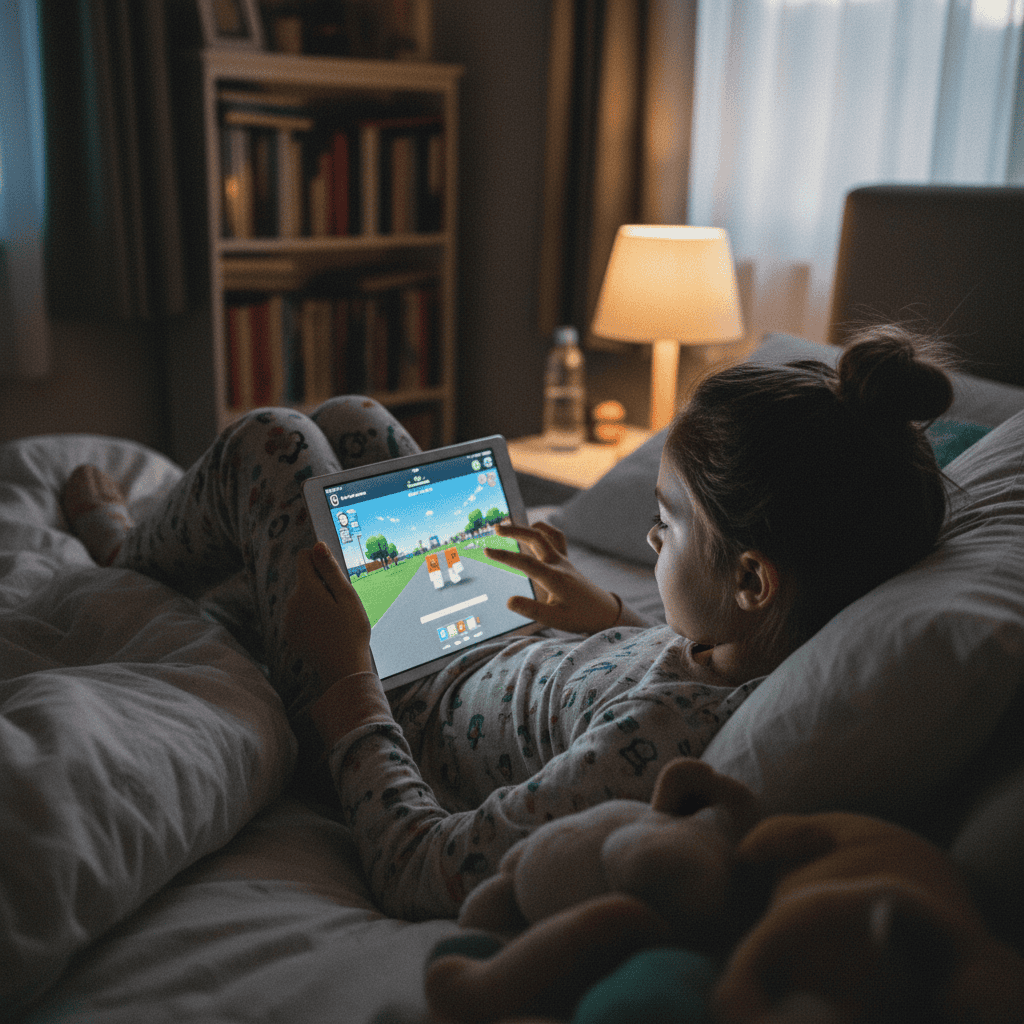
Que tu joues à Roblox sur ton téléphone, ton ordinateur portable ou ta Xbox, Windscribe t'a couvert avec nos applications.




Approuvé et apprécié par plus de 100 millions d’utilisateurs
Fonctionnalités

6 protocoles de chiffrement
La couverture serveur la plus large
Le plus grand nombre de serveurs 10 Gbps
Bloqueur de pubs leader du secteur
Confidentialité : audité et prouvé en justice
Fonctionnalités

Autres VPN
6 protocoles de chiffrement
La couverture serveur la plus large
Le plus grand nombre de serveurs 10 Gbps
Bloqueur de pubs leader du secteur
Confidentialité : audité et prouvé en justice


Foire aux questions
Roblox autorise-t-il les VPN ?


Oui, Roblox fonctionne généralement avec les VPN. Roblox n'a pas de règle globale disant que les VPN sont interdits, mais ses Standards communautaires stipulent que tu ne dois pas utiliser de VPN pour masquer ta localisation afin d'obtenir un accès non autorisé à Roblox. Tu peux utiliser un VPN pour Roblox si tu l'utilises pour des raisons de confidentialité, cependant.
Quel est le meilleur VPN pour Roblox ?
Sans vouloir nous vanter, Windscribe est le meilleur VPN pour Roblox et le gaming en général. Il a tout ce dont tu as besoin pour un gaming sécurisé : une politique stricte de non-identification des logs pour garder ton activité privée, un chiffrement puissant, et des serveurs rapides dans 69+ pays. Ajoute des protocoles modernes adaptés au gaming et la prise en charge des PC, des configurations consoles et des routeurs, et tu obtiens un VPN qui ne se met pas en travers de ton chemin pendant que tu te concentres sur la victoire plutôt que sur le dépannage de ta connexion.
Que faire si Roblox ne fonctionne pas avec mon VPN ?
Si Roblox ne fonctionne pas avec Windscribe, essaie ces étapes :
- Change de localisation de serveur
- Change de protocole
- Essaie un autre appareil ou réseau
Toujours des problèmes ? Notre équipe d'assistance est disponible 24/7 pour t'aider.
Pourquoi ai-je besoin d'un VPN pour Roblox ?
Tu n'en as pas besoin, mais c'est bien d'en avoir un. Les VPN aident à protéger ton adresse IP, à garder ta connexion plus sûre sur le Wi-Fi public, et à rendre Roblox utilisable sur des réseaux qui adorent bloquer les jeux (comme le Wi-Fi de l'école ou du bureau). La plupart des joueurs utilisent des VPN pour protéger leurs adresses IP et se défendre contre les attaques DDoS et autres menaces dans l'univers du gaming.
Serai-je banni pour avoir utilisé un VPN sur Roblox ?
Utiliser un VPN en soi ne te fera généralement pas bannir. Mais Roblox dit que l'utilisation d'un VPN pour obtenir un accès non autorisé – comme contourner des restrictions, accéder à des fonctionnalités verrouillées, ou éviter des sanctions – n'est pas autorisée. Donc, utiliser un VPN pour la confidentialité est bien, mais l'utiliser pour enfreindre les règles de la plateforme peut entraîner un bannissement.
Roblox peut-il détecter les VPN ?
Parfois, oui, surtout si tu utilises un serveur VPN très encombré ou de mauvaise qualité. La détection n'implique pas automatiquement un bannissement, mais si Roblox détecte que tu utilises un VPN pour obtenir un accès non autorisé à la plateforme ou contourner leurs restrictions, cela peut entraîner des avertissements, des captchas ou des problèmes d'accès.
Un VPN rend-il Roblox plus rapide ?
Pas comme par magie, non. Un VPN ne transformera pas ton ordinateur portable en machine de gaming. Dans certains cas, il peut aider si ton FAI a un mauvais routage ou limite le trafic, mais d'autres fois il peut ralentir les choses. Cela dépend vraiment de ton réseau et de ton choix de serveur.
Comment contourner Roblox avec un VPN ?
Tu ne devrais pas. Les règles de Roblox indiquent spécifiquement que l'utilisation d'un VPN pour masquer ta localisation afin d'obtenir un accès non autorisé n'est pas autorisée. Windscribe sert à protéger ta connexion, pas à t'aider à speedrun un bannissement. Ne le fais pas.