


Étape 1
Étape 2
Installer l'appli
Étape 3
S'inscrire
Pourquoi utiliser un VPN pour PlayStation
Change de région instantanément pour profiter de meilleures offres sur les jeux, accéder aux DLC régionaux ou jouer à FIFA sur PlayStation sans accroc.

Le réseau mondial de Windscribe te permet de contourner les restrictions régionales sur ta PlayStation, que tu parcoures les catalogues de boutiques étrangères ou que tu te prépares pour des raids Destiny 2.

Windscribe chiffre ta connexion et masque ton adresse IP, de sorte que les attaques DDoS touchent nos serveurs au lieu de ta console pendant les lobbies Call of Duty intenses.

Notre Firewall s'active automatiquement sur n'importe quel réseau et bloque ton trafic dans un tunnel chiffré, gardant ton compte PlayStation sécurisé pendant que tu te bats sur scène.

Les téléchargements massifs de 80 Go ou les marathons nocturnes déclenchent souvent des ralentissements du FAI. Le chiffrement AES-256 de Windscribe cache ton trafic de gaming, pour que les fournisseurs ne puissent pas limiter quoi que ce soit.
Joue sur PS3, PS4 et PS5 avec un VPN

Windscribe maintient la latence basse et évite la congestion du FAI, pour que ta PS tourne avec moins de pics de lag.

Windscribe donne à ta PlayStation un accès instantané à l'endroit où le contenu est disponible.
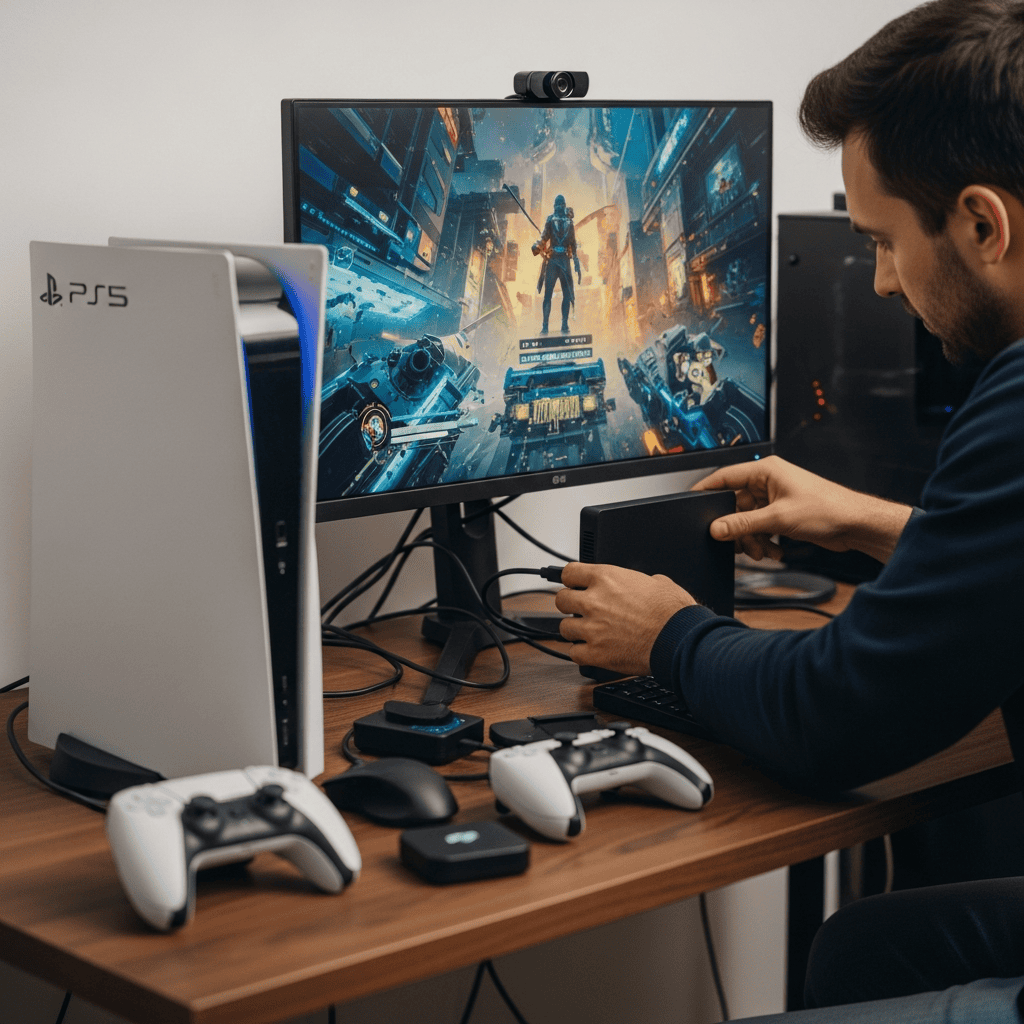
Configure Windscribe sur ton routeur ou ton hotspot PC pour protéger chaque appareil de ton réseau domestique, des consoles PlayStation aux casques Meta Quest.



Approuvé et apprécié par plus de 100 millions d’utilisateurs
Fonctionnalités

6 protocoles de chiffrement
La couverture serveur la plus large
Le plus grand nombre de serveurs 10 Gbps
Bloqueur de pubs leader du secteur
Confidentialité : audité et prouvé en justice
Fonctionnalités

Autres VPN
6 protocoles de chiffrement
La couverture serveur la plus large
Le plus grand nombre de serveurs 10 Gbps
Bloqueur de pubs leader du secteur
Confidentialité : audité et prouvé en justice


Foire aux questions
Quel est le meilleur VPN pour PS5 ?


Le meilleur VPN pour PS5 et autres consoles PlayStation est celui qui fonctionne via ton routeur ou DNS, car les consoles PlayStation ne prennent pas en charge les applis VPN directement (la même configuration s'applique si tu utilises notre VPN Xbox). Tu veux des serveurs rapides, une faible latence et une configuration facile pour que le jeu en ligne ne rame pas. Windscribe coche ces cases, avec un bon support routeur, des serveurs mondiaux et des fonctionnalités de confidentialité qui protègent ta connexion de gaming. Pour obtenir un VPN pour PlayStation, consulte notre page de mise à niveau.
Puis-je utiliser un VPN sur PlayStation ?
Absolument ! Même si PlayStation ne prend pas en charge les VPN directement, tu peux quand même en utiliser un en le configurant sur ton routeur ou en partageant ta connexion depuis un PC, avec notre fonctionnalité de point d'accès sécurisé. Cela te permet de jouer en sécurité, d'accéder au contenu verrouillé par région et de profiter d'une connexion plus fluide. Windscribe rend la configuration facile, pour que tu puisses jouer sans limites !
Que faire si PlayStation ne fonctionne pas avec mon VPN ?
Si ta PlayStation ne fonctionne pas avec Windscribe, essaie ces étapes :
- Change de localisation de serveur
- Change de protocole
- Essaie un autre appareil ou réseau Toujours des problèmes ? Notre équipe d'assistance est disponible 24/7 pour t'aider.
Puis-je être banni pour avoir utilisé un VPN sur PS5 ?
Sony n'interdit pas spécifiquement l'utilisation d'un VPN, mais il peut bannir les comptes pour activité suspecte. L'utilisation d'un VPN de qualité comme Windscribe avec des fonctions d'obscurcissement rend la détection peu probable. Évite les VPN gratuits avec des adresses IP partagées que Sony pourrait signaler comme suspects.
Un VPN va-t-il réduire ma vitesse de jeu ou augmenter le lag ?
Un bon VPN peut en fait améliorer tes performances de jeu en contournant les voies congestionnées de ton FAI. Les serveurs optimisés pour le gaming de Windscribe sont conçus pour minimiser la latence. Évite simplement de te connecter à des serveurs à l'autre bout du monde, sauf si tu essaies spécifiquement d'accéder à du contenu verrouillé par région.
Comment accéder au PlayStation Store japonais avec Windscribe ?
Pour débloquer le PlayStation Store japonais, connecte Windscribe à un serveur japonais, puis crée un nouveau compte PlayStation avec « Japon » comme région. Une fois connecté, tu verras les prix locaux, les démos anticipées et le contenu exclusif. Ajoute simplement un moyen de paiement qui fonctionne au Japon pour finaliser les achats.
Quelle est la différence entre Smart DNS et VPN complet pour PlayStation ?
Smart DNS trompe les services de streaming pour leur faire croire que tu es dans une autre région. Il ne chiffre pas ton trafic ni ne te protège contre la limitation et les attaques DDoS. Un VPN complet comme Windscribe cache ton IP, sécurise ta connexion avec le chiffrement AES-256, et débloque les boutiques et jeux mondiaux.
Windscribe peut-il aider avec les téléchargements de jeux PlayStation ?
Absolument. Les FAI limitent souvent les gros téléchargements aux heures de pointe. Le chiffrement de Windscribe empêche ton FAI d'identifier et de ralentir les téléchargements de jeux, résultant souvent en des vitesses de téléchargement plus rapides et plus constantes pour ces énormes mises à jour du premier jour.