


Step 1
Step 2
Install the App
Step 3
Sign up
Why Use a VPN for Dead by Daylight
Your IP can reveal your general location and make you easier to target. Windscribe replaces it with one of ours, so your real identity stays hidden behind the screen.

Windscribe protects you against DDoS attacks, doxing, and other threats of the gaming world with AES-256 encryption and IP masking.
In-game lag is often caused by bad ISP routing rather than slow speeds—a common issue on both Dead by Daylight and Rust survival servers. With Windscribe, you can switch servers to find a better route to reduce ping spikes.

Some school, office, or hotel networks block gaming traffic. Windscribe’s protocols slip past network restrictions and let you play DbD wherever you like.

Local ISPs slow down heavy traffic during peak hours. Windscribe makes your traffic harder to identify, so your ISP can't throttle it.
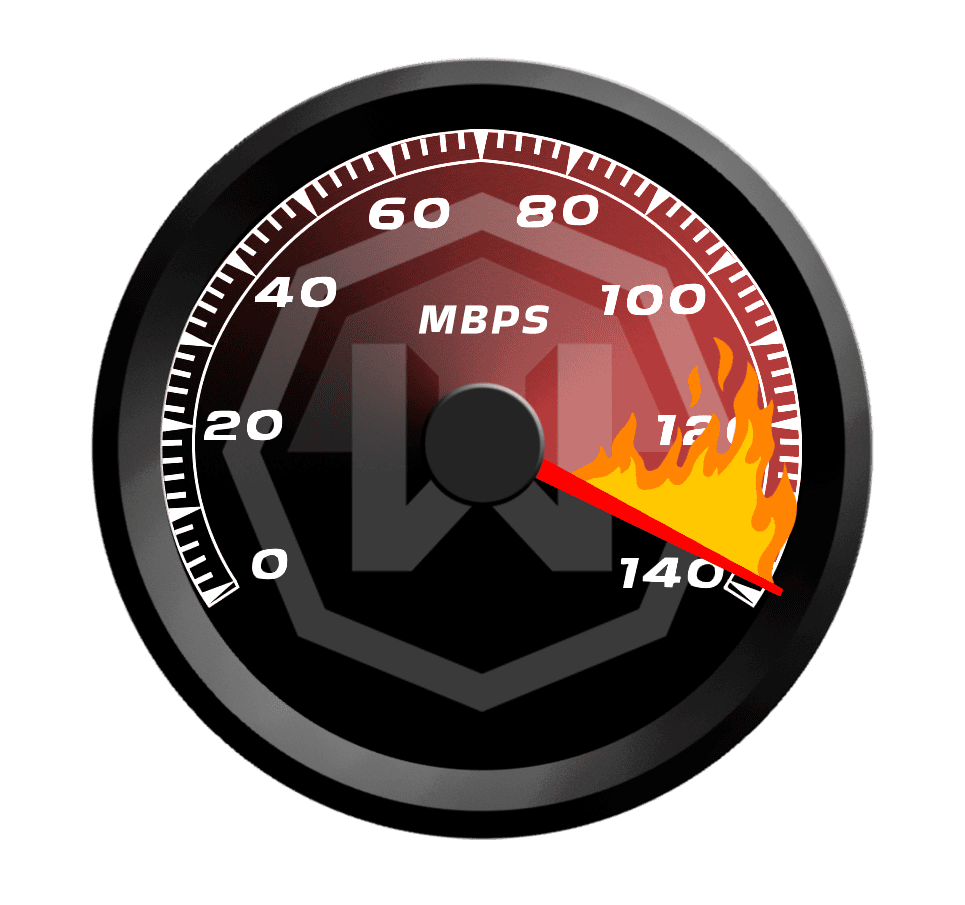
Stay Competitive With a Fast Dead by Daylight VPN

Windscribe is built for high-traffic use, including gaming and large downloads, without slowing you down.
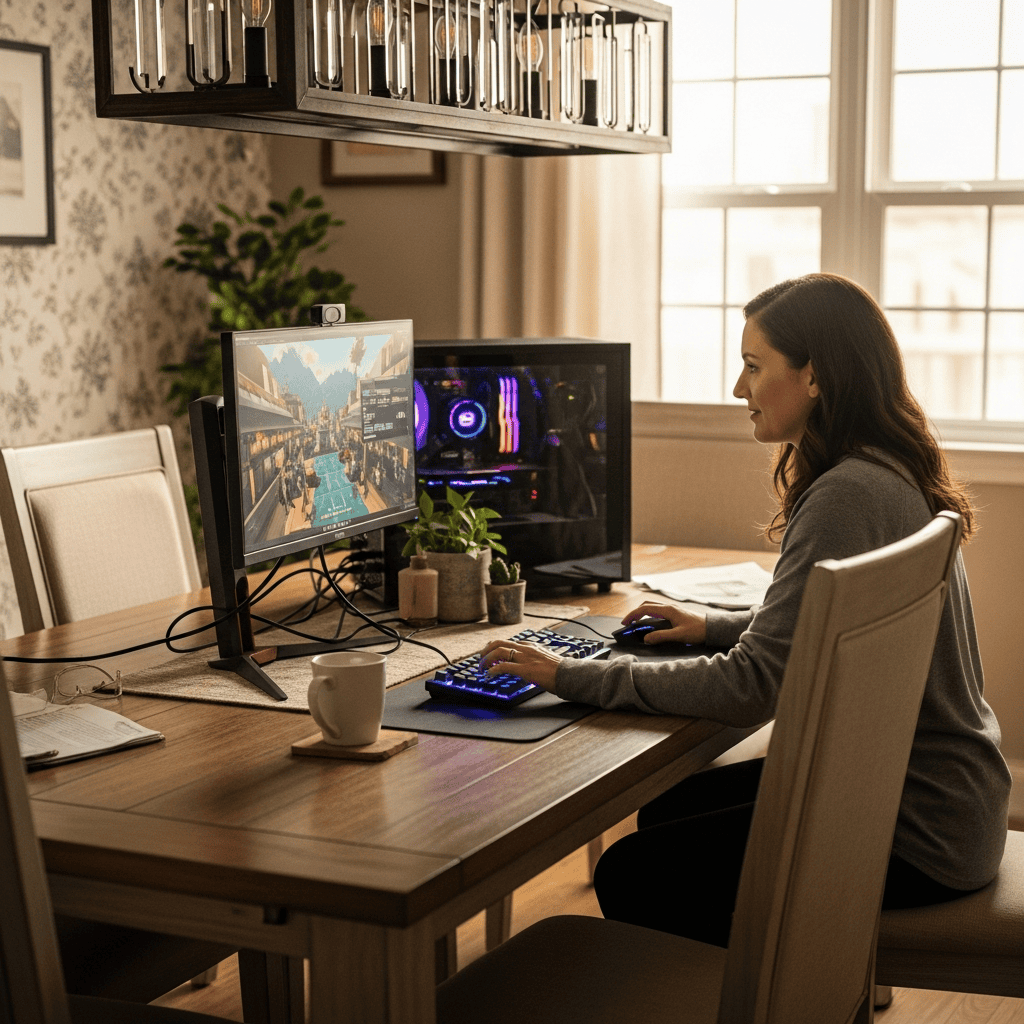
Connect through servers in 69+ countries to optimize your Dead by Daylight route or securely browse the Steam store for global deals.

Use Windscribe on your desktop, mobile, or router, so you can stay protected wherever you play.




Loved & Trusted by Over 100 Million Users
Features

6 Encryption Protocols
Widest Server Reach
Most 10 Gbps Servers
Industry-Leading Ad Blocker
Privacy: Audited & Court-Proven
Features

Other VPNs
6 Encryption Protocols
Widest Server Reach
Most 10 Gbps Servers
Industry-Leading Ad Blocker
Privacy: Audited & Court-Proven


Frequently Asked Questions
Can I use a VPN to play DBD?


Usually, yes. Using a VPN isn’t explicitly called out as banned in Dead by Daylight’s EULA, but BHVR does prohibit using “programs or tools” to gain an unfair advantage, and it bans things like unauthorized connections and exploiting bugs or features for competitive advantage. So a VPN used normally for privacy (like staying safer on public Wi-Fi, hiding your IP, etc.) is typically fine, but using it to intentionally create unfair advantages is where you start drifting into “this could be treated as cheating” territory.
What is the best VPN for Dead by Daylight?
Obviously, Windscribe is the best VPN for DbD! It offers streaming and gaming-optimized servers in 69+ countries and 135+ cities, AES-256 encryption, a powerful Firewall, a strict no-identifying-logs policy, and other great privacy features.
What if Dead by Daylight doesn’t work with my VPN?
If your Dead by Daylight isn’t working with Windscribe, try these steps:
- Switch server locations
- Change your protocol
- Try another device or network
Still having trouble? Our support team is available 24/7 to assist you.
How to use VPN on Dead by Daylight?
It’s super easy! Just download Windscribe, sign in, and connect to a location close to you first (that’s usually best for ping). Then launch Dead by Daylight and queue like normal. If you get connection issues, BHVR’s own support docs specifically call out proxy settings as something that can interfere, so it’s worth checking you’re not accidentally running a proxy configuration on top of everything.
How to get low ping in Dead by Daylight?
Ping in DbD is mostly about distance, routing, and local stability. The biggest wins are boring: stable internet, less Wi-Fi congestion, and no background downloads. If routing is the problem, a VPN can help sometimes, but only if you pick a nearby VPN location and it gives you a cleaner route. If you connect far away, you’re almost guaranteed to add latency.
Is it illegal to use a VPN for gaming?
In most countries, using a VPN for gaming is fine. VPNs are legal and widely used. The exceptions are countries where VPN use is banned or restricted (like China or Russia).