

Schritt 1
Schritt 2
App installieren
Schritt 3
Registrieren
Warum ein VPN für Escape From Tarkov verwenden
Windscribe versteckt deine echte IP-Adresse und damit deinen realen Standort und deine Identität vor anderen Spielern und Online-Diensten – und schützt dich vor Doxing.

DDoS-Angriffe können dich mitten im Raid offline werfen. Indem Windscribe deine Verbindung verschlüsselt, verringert es die Chance, dass jemand dich im Spiel und außerhalb davon angreift.
Hoher Ping liegt manchmal an schlechtem Routing zwischen dir und den Spielservern. Windscribe lässt dich deinen virtuellen Standort wechseln, um eine bessere Route zu finden und Lag zu reduzieren – egal ob du Tarkov oder Valorant spielst.

Manche Anbieter drosseln den Traffic zu Stoßzeiten. Windscribe verbirgt deine Online-Aktivität und macht deinen Traffic schwerer identifizierbar, damit sie nichts einschränken können.

Unterwegs zu spielen macht Spaß, birgt aber Risiken. Windscribes Firewall hält deine Daten in einem sicheren VPN-Tunnel, damit während du Quests erledigst nichts durchsickert.

Bleib konkurrenzfähig mit einem schnellen VPN für Escape From Tarkov
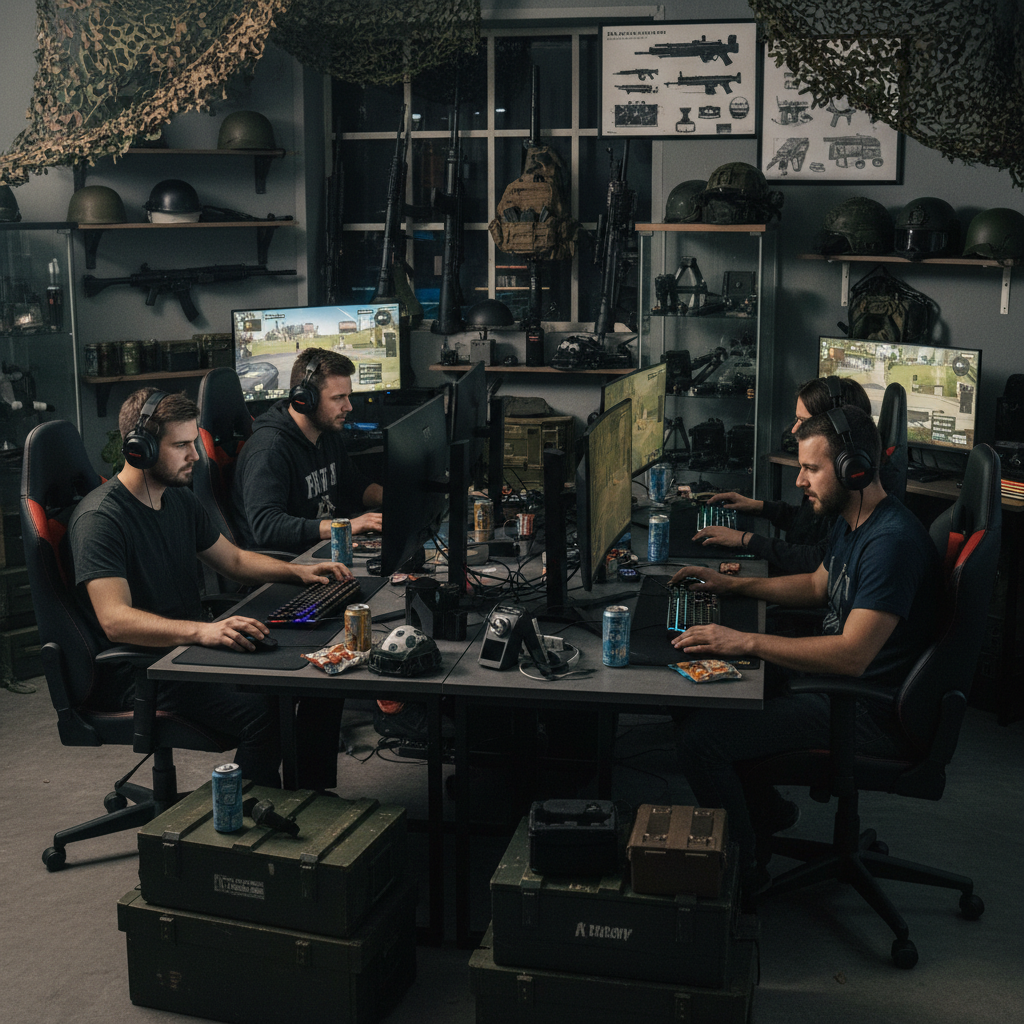
Windscribe optimiert deine Verbindungswege, damit du intensive Tarkov-Raids überlebst oder CS2 spielst – mit präziser, reaktionsschneller Trefferregistrierung.

Unser globales Servernetzwerk umfasst 69+ Länder und 135+ Städte, damit du überall sicher spielen und lagfreies Gaming genießen kannst.

Installiere Windscribe überall, wo du Escape From Tarkov spielst, um auf allen Geräten geschützt zu sein.




Von über 100 Millionen Nutzern geliebt und vertraut
Features

6 Verschlüsselungsprotokolle
Größte Server-Abdeckung
Die meisten 10-Gbps-Server
Branchenführender Werbeblocker
Privatsphäre: auditiert und vor Gericht bewiesen
Features

Andere VPNs
6 Verschlüsselungsprotokolle
Größte Server-Abdeckung
Die meisten 10-Gbps-Server
Branchenführender Werbeblocker
Privatsphäre: auditiert und vor Gericht bewiesen


Häufig gestellte Fragen
Kann ich Escape From Tarkov mit einem VPN spielen?


Ja, du kannst ein VPN mit Tarkov verwenden, und viele Leute tun es für Privatsphäre oder um schlechtes Routing zu umgehen. VPNs sind im Lizenzvertrag nicht ausdrücklich verboten, aber Battlestate setzt regionalen Zugang für den Start durch und warnt im Kaufprozess vor VPN-Nutzung. Du kannst es trotzdem tun.
Was ist das beste VPN für Escape From Tarkov?
Natürlich ist Windscribe das beste VPN für Escape From Tarkov! Es hat alles, was du als Gamer brauchst. Wir bieten Server in 69+ Ländern zur Auswahl sowie jede Menge Datenschutzfunktionen wie AES-256-Verschlüsselung, eine leistungsstarke Firewall, unseren Malware-Blocker R.O.B.E.R.T., eine strikte No-Identifying-Logs-Richtlinie und mehr.
Was, wenn Escape From Tarkov mit meinem VPN nicht funktioniert?
Falls Escape From Tarkov mit Windscribe nicht funktioniert, probiere diese Schritte:
- Wechsle den Server
- Ändere dein Protokoll
- Versuche es mit einem anderen Gerät oder Netzwerk
Noch immer Probleme? Unser Support-Team ist 24/7 für dich da.
Ist Tarkov regionsgesperrt?
Tarkov hat Kauf- und Start-Regionsbeschränkungen. Battlestate sagt ausdrücklich, dass das Spiel nur gestartet werden kann, wenn du in derselben Region bist, in der es gekauft wurde – mit Europa als großer Ausnahme (EU-Käufe können weltweit gestartet werden). Das ist etwas anderes als die Frage, mit wem du spielen kannst. Du kannst im Launcher weiterhin Server und Regionen auswählen, aber die Möglichkeit, das Spiel zu starten, kann an die Kaufregion gebunden sein.
Wie bekommt man besseren Ping in Escape From Tarkov?
Wähle Server mit dem niedrigsten Ping, nutze eine stabile Verbindung (kabelgebunden wenn möglich) und vermeide das Spielen auf weit entfernten Regionen. Tarkov hat außerdem ein Ping-Limit. Wenn dein Ping zu hoch steigt, kannst du rausgeworfen werden, und BSG hat öffentlich bestätigt, dass dieses Limit existiert und sich ändern kann.
Ist es illegal, ein VPN für Gaming zu nutzen?
In den meisten Ländern sind VPNs für Surfen, Streaming und Gaming legal. Ausnahmen sind Länder, in denen die VPN-Nutzung verboten oder stark eingeschränkt ist – und das ist ein lokales Rechtsproblem, kein Gaming-Problem.