

Schritt 1
Schritt 2
Installiere die App
Schritt 3
Registriere dich
Warum du ein VPN für Gaming brauchst
Zerschmettere Regionalsperren und verstecke deine IP vor toxischen Spielern. Windscribes globale Server entsperren eingeschränkte DLCs, regionale Releases und Spiele wie Roblox oder GTA Online – überall.

Doxing, DDoS-Angriffe, Swatting-Versuche... In der Gaming-Welt ist immer etwas los. Windscribe verschlüsselt deine Verbindung, damit niemand dich verfolgen und ins Visier nehmen kann.
Lag-Spitzen sind der wahre Feind. Wenn das Routing deines ISPs das Problem ist, kann Windscribe dir helfen, einen saubereren Weg zum Spielserver zu finden und Ping und Lag zu reduzieren.

Drosselt dein ISP deine Verbindung? Windscribe verbirgt deine Online-Aktivitäten, damit dein ISP nicht sehen kann, was du tust, und es nicht einschränken kann.

Windscribe maskiert deine echte IP-Adresse und ersetzt sie durch eine unserer eigenen, damit dein Standort und deine Identität nicht für alle im Internet sichtbar sind.

Übertriff deine Gegner mit einem schnellen Gaming-VPN

Windscribes Server sind darauf ausgelegt, deinen Ping niedrig zu halten, selbst in einer rasanten Gaming-Umgebung.

Egal wo du spielen möchtest, wir haben einen Server in der Nähe. Wähle aus 69+ Ländern und 135+ Städten.

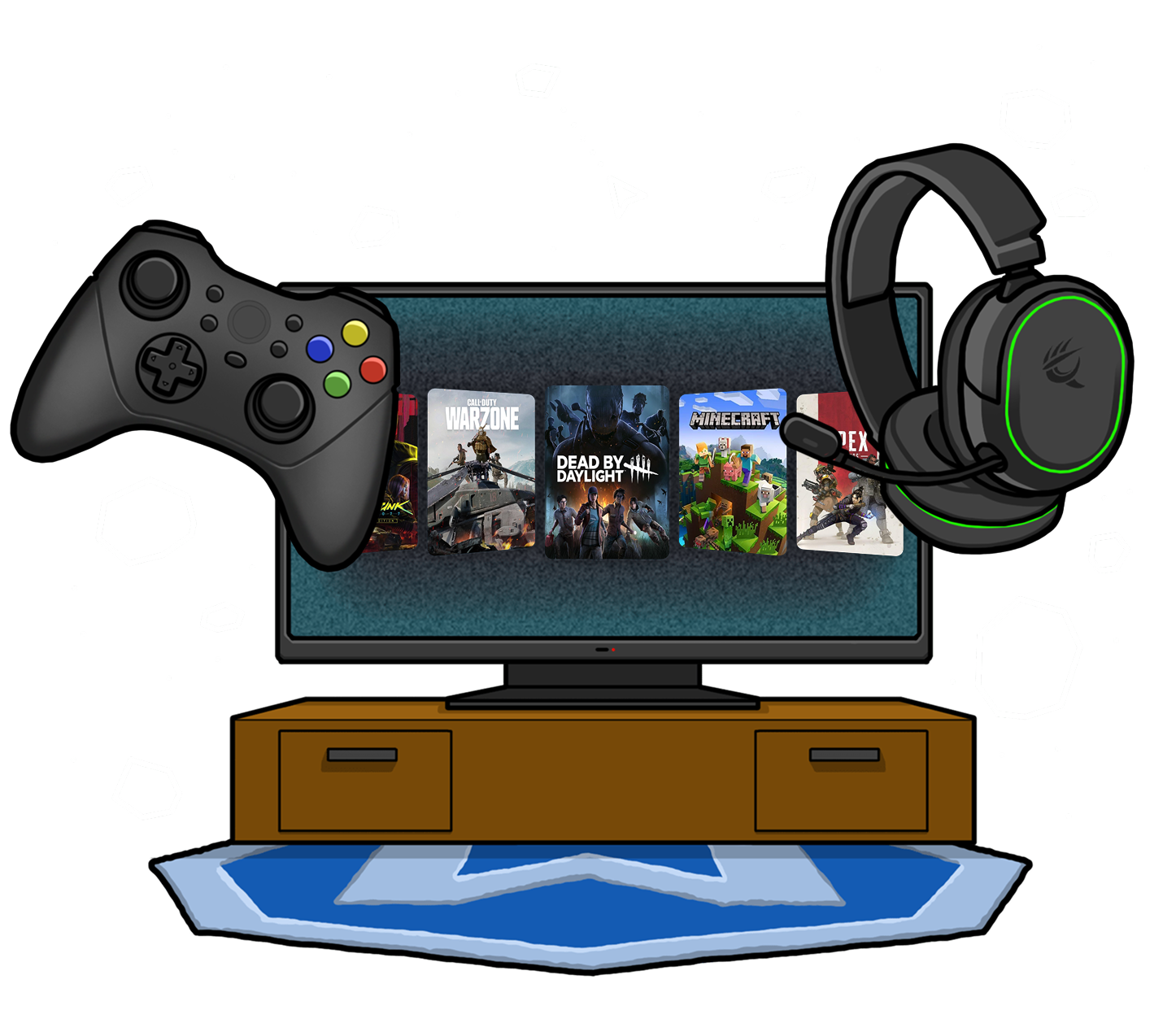
Egal ob du auf PC, Konsole oder Handhelds spielst – Windscribe schützt deine Verbindung, damit du sicher bleibst, wenn du Spiele wie PUBG auf dem Handy spielst.





Von über 100 Millionen Nutzern geliebt und vertraut
Features

6 Verschlüsselungsprotokolle
Größte Server-Abdeckung
Die meisten 10-Gbps-Server
Branchenführender Werbeblocker
Privatsphäre: auditiert und vor Gericht bewiesen
Features

Andere VPNs
6 Verschlüsselungsprotokolle
Größte Server-Abdeckung
Die meisten 10-Gbps-Server
Branchenführender Werbeblocker
Privatsphäre: auditiert und vor Gericht bewiesen


Häufig gestellte Fragen
Ist ein VPN gut für Gaming?


Ja, ein VPN kann für Gaming nützlich sein, und viele Spieler nutzen VPNs. Die Vorteile umfassen mehr Privatsphäre (IP-Adresse verstecken), Schutz der Verbindung vor DDoS-Angriffen und Vermeidung von ISP-Drosselung. Ein VPN kann auch helfen, Ping oder Lag zu reduzieren, wenn dein ISP den Datenverkehr schlecht weiterleitet, obwohl ein VPN-Server zu weit vom Spielserver entfernt Latenz hinzufügen kann. Der Haken ist, dass manche VPNs deine Verbindung verlangsamen können, wenn sie nicht für Gaming optimiert sind – daher ist die Wahl eines gaming-optimierten VPNs (wie Windscribe) entscheidend.
Welches VPN für Gaming nutzen?
Offensichtlich ist Windscribe das beste Gaming-VPN. Denn wenn du Gaming ernst nimmst, brauchst du ein VPN, das wirklich funktioniert und nicht leicht erkannt wird… und das sind wir! Windscribe bietet Server in 69+ Ländern und 135+ Städten sowie eine Menge Datenschutzfunktionen wie starke AES-256-Verschlüsselung, eine leistungsstarke Firewall, unseren Malware-Blocker R.O.B.E.R.T., eine strikte No-Log-Richtlinie und moderne, clevere Protokolle, die in Netzwerken unerkannt bleiben. Cool, oder?! Um ein Gaming-VPN zu erhalten, schau auf unsere Upgrade-Seite.
Was tun, wenn mein VPN für Gaming nicht funktioniert?
Wenn Windscribe nicht mit deinem Spiel funktioniert, probiere diese Schritte:
- Wechsle den Server
- Wechsle dein Protokoll
- Lösche Cookies oder nutze ein privates Browserfenster, und deaktiviere Browser-Erweiterungen, die stören könnten (wenn du im Browser spielst)
- Probiere ein anderes Gerät oder Netzwerk
Noch immer Probleme? Unser Support-Team ist 24/7 für dich da.
Sind Gaming-VPNs legal?
Ja, ein VPN für Gaming zu nutzen ist in den meisten Ländern legal. Der entscheidende Punkt ist, wie du das VPN einsetzt. Für Datenschutz und Sicherheit zu nutzen ist völlig in Ordnung. Manche Spiele möchten nicht, dass du ein VPN verwendest, um deinen Standort zu verschleiern oder auf geo-gesperrte Inhalte zuzugreifen, und können dies in ihren Nutzungsbedingungen festhalten. Trotzdem tun es viele Spieler, obwohl es gegen die Spielregeln verstößt. In der Regel wirst du nicht gebannt, es sei denn, du nutzt ein VPN zum Cheaten oder Ausnutzen des Spiels. Und selbst wenn du gegen die Nutzungsbedingungen verstößt, ist es nicht illegal. Du könntest einfach gebannt werden, aber du bekommst keine Probleme mit dem Gesetz.
Was ist das beste kostenlose Gaming-VPN?
Für ein kostenloses Gaming-VPN bietet Windscribe einen kostenlosen Plan mit 10 GB monatlichen Daten an, was für gelegentliches Gaming ausreichen sollte. Es ist einfach zu bedienen, bietet gute Geschwindigkeiten und ermöglicht dir die Verbindung zu Servern in mehreren Ländern. Es gibt andere kostenlose VPNs, aber diese haben oft Datenlimits oder Geschwindigkeitsbeschränkungen. Wenn du viel spielst oder konstante Geschwindigkeiten brauchst, kann es sich lohnen, in ein kostenpflichtiges VPN zu investieren. Kostenlose VPNs können manchmal deine Verbindung verlangsamen, besonders wenn du anspruchsvollere Spiele spielst.