


Stap 1
Stap 2
Installeer de app
Stap 3
Aanmelden
Waarom een VPN gebruiken voor PUBG
Tijdens online spelen kan je echte identiteit worden blootgesteld. Windscribe ruilt je echte IP in voor een van ons, zodat je locatie verborgen blijft.

Windscribe beschermt je verbinding met IP-maskering en AES-256-versleuteling, waardoor het voor iedereen moeilijker wordt om je offline te halen of je buiten het spel te traceren.
Windscribe laat je verbinden via ondersteunde locaties zodat je op dezelfde servers kunt spelen als je vrienden, ook als jullie in verschillende regio's zijn.
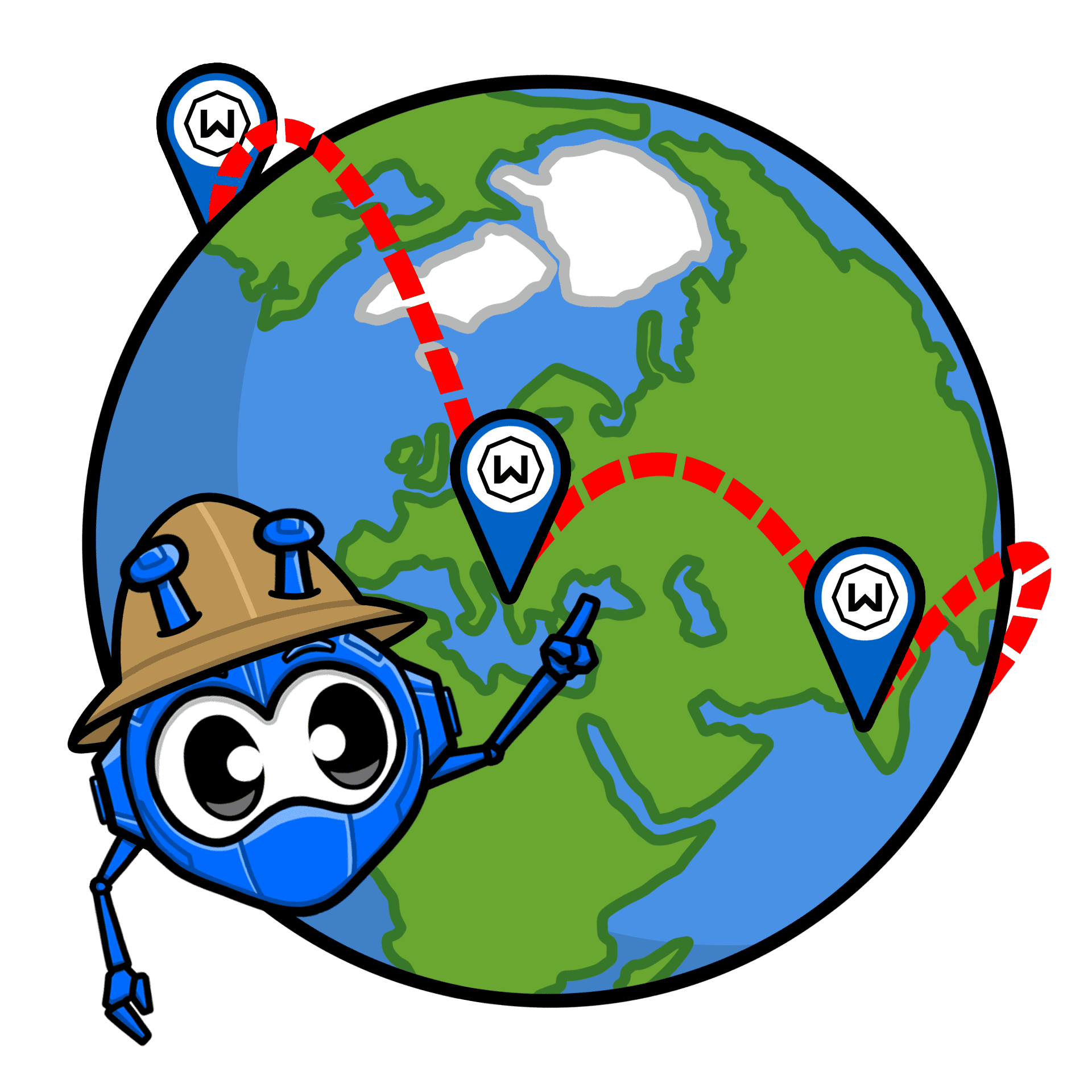
Sommige lag komt van inefficiënte ISP-routes. Windscribe kan een schonere route naar PUBG-servers nemen en onnodige vertraging elimineren.

ISPs beperken live matches en grote downloads graag. Windscribe versleutelt je verkeer zodat PUBG-sessies niet worden vertraagd op drukke netwerken.
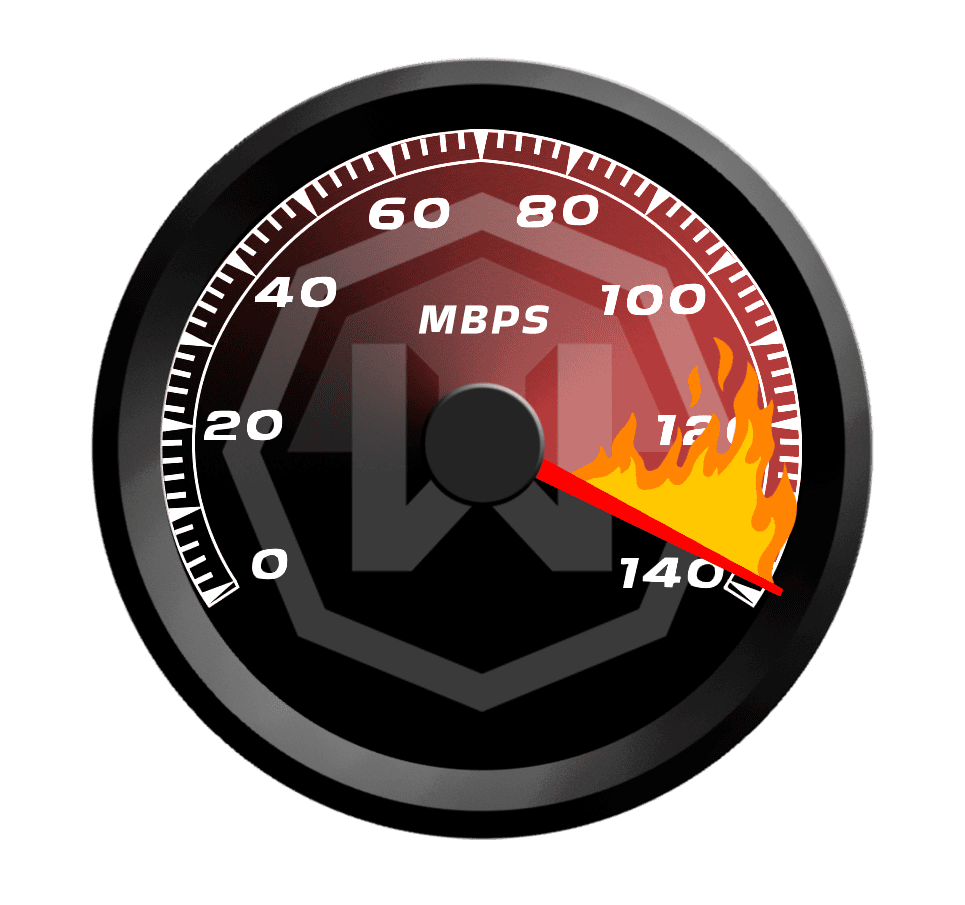
Overtref je tegenstanders met een snelle PUBG VPN

Gebouwd voor real-time spelen, houden de servers van Windscribe PUBG responsief van de eerste drop tot de laatste cirkel.


Windscribe werkt waar PUBG werkt – op pc, mobiel, Xbox en PlayStation – zodat je beschermd blijft.




Geliefd en vertrouwd door meer dan 100 miljoen gebruikers
Functies

6 versleutelingsprotocollen
Het breedste serverbereik
De meeste 10 Gbps-servers
Toonaangevende ad-blocker
Privacy: geaudit en in de rechtbank bewezen
Functies

Andere VPN's
6 versleutelingsprotocollen
Het breedste serverbereik
De meeste 10 Gbps-servers
Toonaangevende ad-blocker
Privacy: geaudit en in de rechtbank bewezen


Veelgestelde vragen
Kan ik PUBG spelen met een VPN?


Ja. Een VPN kan gebruikt worden met PlayerUnknown's Battlegrounds, en mensen doen het voornamelijk voor privacy (hun IP verbergen), veiliger openbaar Wi-Fi, en soms betere routing. Weet echter dat PUBG de toegang per locatie kan beperken en verbindingen kan blokkeren die verdacht lijken, dus resultaten variëren per server en regio.
Welke VPN is het beste om PUBG-bans te vermijden?
Als je een VPN gebruikt om normale redenen (privacy, veiliger netwerken, DDoS-risico verminderen), blijf dan bij gerenommeerde providers (zoals wij, uiteraard!), gebruik een server in de buurt en spring niet van regio naar regio waardoor je account eruit ziet alsof het elke match teleporteert. Zorg er ook voor dat je PUBGs servicevoorwaarden volgt. Wat je een ban kan opleveren is het niet naleven van de voorwaarden, niet het gebruik van een VPN.
Wat als PUBG niet werkt met mijn VPN?
Als PUBG niet werkt met Windscribe, probeer dan deze stappen:
- Wissel van serverlocatie
- Verander het protocol
- Probeer een ander apparaat of netwerk Nog steeds problemen? Ons supportteam is 24/7 beschikbaar om je te helpen.
Kan ik een gratis VPN gebruiken voor PUBG?
Dat kan, maar gratis VPN's zijn voor PUBG meestal waardeloos: overvolle servers, hogere latency, willekeurige verbrekingen en datalimieten. Dat is precies het recept voor een slechte match.
Welk land-VPN is goed voor PUBG?
Kies het land/de regio het dichtst bij jouw fysieke locatie (of waar je normaal speelt) om de ping laag te houden. Als je op reis bent, verbind dan met je gebruikelijke thuisregio voor consistentie. Het "beste land" is meestal het land dat je de kortste route naar PUBG-servers geeft, niet de meest exotische vlag.
Is het gebruik van een VPN in strijd met PUBGs servicevoorwaarden?
Een VPN betekent niet automatisch een ban, maar PUBG kan verbindingen toch beperken of markeren afhankelijk van hoe je het gebruikt (vooral als het eruitziet alsof je regionale beperkingen of andere technische controles probeert te omzeilen). PUBGs Servicevoorwaarden vermelden ook dat de service mogelijk niet beschikbaar is afhankelijk van de geografische locatie, en ze verbieden het omzeilen van technische maatregelen die de toegang beheersen.
Kan ik PUBG Global spelen zonder VPN?
Als PUBG Mobile Global beschikbaar is in jouw land en op jouw netwerk, dan ja. Geen VPN nodig. Mensen grijpen doorgaans naar een VPN alleen wanneer de app/dienst geblokkeerd is op hun netwerk, niet beschikbaar is in hun regio, of ze extra online privacy willen.
Verbetert een VPN de ping in PUBG?
Soms. Een VPN kan helpen als je ISP verkeer slecht routet (een langere weg neemt dan nodig). Maar het kan de ping ook verslechteren als je verbinding maakt met een ver server of extra hops toevoegt. Vuistregel: kies een VPN-server die dicht bij jou is (of dicht bij de spelservers die je gebruikt) en test een paar nabijgelegen locaties.