


Paso 1
Paso 2
Instala la aplicación
Paso 3
Regístrate
Por Qué Usar una VPN para FIFA
Exponer tu IP puede abrir la puerta al doxing y a otros problemas en la vida real. Windscribe enmascara tu IP para proteger tu identidad real de filtrarse online.

Nada mata el impulso más rápido que quedarse desconectado en pleno partido. Windscribe cifra tu conexión, haciendo mucho más difícil que alguien interrumpa tu juego.
El contenido de FIFA puede variar según la región. Los servidores globales de Windscribe te permiten conectarte desde diferentes ubicaciones y acceder a las funciones y modos vinculados a tu zona de juego.
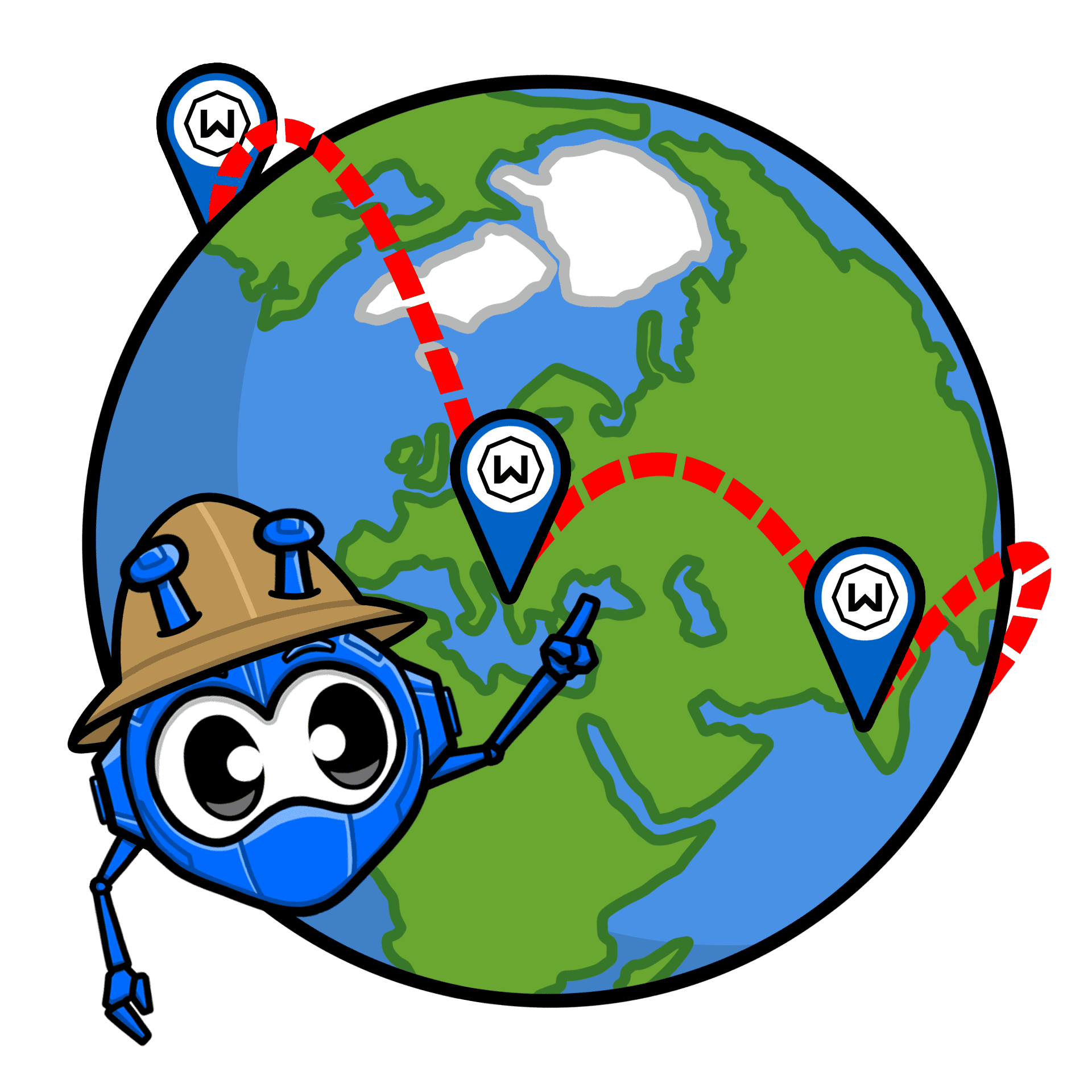
Un enrutamiento deficiente puede convertir los pases suaves en caos. Windscribe elige rutas más inteligentes entre tú y los servidores de EA para estabilizar tu conexión durante los partidos frenéticos.

Windscribe cifra tu tráfico para evitar que los ISP limiten tu conexión en horas pico, dándote el rendimiento de una VPN de gaming rápida. Pero no pueden limitar lo que no ven. Y no ven nada cuando Windscribe está activo.

Marca Más con una VPN FIFA Rápida

Nuestros servidores de baja latencia están diseñados para manejar partidas competitivas online sin ralentizaciones aleatorias.

Gracias a servidores en las principales regiones de FIFA, puedes conectarte desde ubicaciones que funcionan mejor para tu forma y lugar de juego.

Windscribe ofrece aplicaciones para PC, móvil y routers, facilitando proteger tu configuración y jugar FIFA en PlayStation. Y protegido.




Querido y con la confianza de más de 100 millones de usuarios
Funciones

6 protocolos de cifrado
El mayor alcance de servidores
Más servidores de 10 Gbps
Bloqueador de anuncios líder del sector
Privacidad: auditada y probada en tribunales
Funciones

Otras VPN
6 protocolos de cifrado
El mayor alcance de servidores
Más servidores de 10 Gbps
Bloqueador de anuncios líder del sector
Privacidad: auditada y probada en tribunales


Preguntas frecuentes
¿Funciona una VPN con FIFA?


Sí, FIFA (ahora EA Sports FC) funciona perfectamente con una VPN. Muchos jugadores usan una para proteger su conexión, evitar ataques DDoS o lidiar con redes poco fiables. El Acuerdo de Usuario de EA no prohíbe explícitamente el uso de VPN. Sin embargo, sí indica que debes jugar de forma justa y no hacer trampas, manipular ni explotar el juego de ninguna manera. Así que, si vas a usar una VPN, úsala con fair play.
¿Cuál es la mejor VPN para FIFA?
Obviamente, Windscribe es la mejor VPN para FIFA (EA Sports FC). ¿Por qué? Porque tiene todo lo que necesitas para jugar de forma segura: una política estricta de no registros para mantener tu actividad privada, cifrado potente y servidores rápidos en 69+ países. Añade protocolos modernos compatibles con gaming y soporte para PC, consolas y routers, y obtienes una VPN que no se interpone mientras te centras en ganar partidas en lugar de resolver problemas de internet.
¿Cuál es la mejor VPN gratuita para FIFA?
La mayoría de las VPN gratuitas son malas para gaming. Suelen tener velocidades lentas, servidores limitados y límites de datos que te echarán a mitad de un partido. El plan gratuito de Windscribe es una opción sólida si quieres probar una VPN sin comprometerte, pero para jugar online de forma consistente, los datos ilimitados y un mejor acceso a servidores marcan una gran diferencia.
¿Qué pasa si FIFA no funciona con mi VPN?
Si FIFA no funciona con Windscribe, prueba estos pasos:
- Cambia de servidor
- Cambia tu protocolo
- Prueba con otro dispositivo o red
¿Sigues teniendo problemas? Nuestro equipo de soporte está disponible 24/7 para ayudarte.
¿Por qué la gente usa VPN para gaming?
Principalmente para evitar quedarse desconectados. Las VPN ayudan a protegerse contra ataques DDoS, ocultan tu dirección IP y mantienen tu conexión más estable en redes sospechosas. Algunas personas también las usan para jugar con amigos en otras regiones. Sin embargo, ten cuidado con eso. Normalmente, usar una VPN para falsificar tu ubicación y acceder a contenido bloqueado por región va en contra de los términos de servicio del juego.
¿Por qué tengo lag en FIFA?
El lag puede venir de muchos sitios, como un enrutamiento deficiente, servidores sobrecargados, problemas de Wi-Fi, throttling del ISP o tráfico en horas pico. A veces es tu conexión. A veces son los servidores de FIFA. A veces es simplemente tu tecnología que se pone caprichosa. Una VPN como Windscribe puede ayudar con el mal enrutamiento o el throttling del ISP, pero no servirá si tu Wi-Fi es malo o los servidores de FIFA están sobrecargados.
¿Es ilegal usar una VPN para gaming?
No. Usar una VPN para gaming es legal en la mayoría de los lugares. Recuerda solo: una VPN no te da carta blanca para violar la ley o las reglas del juego. Si algo es ilegal sin VPN, sigue siendo ilegal con una. Lo siento.